Server Status and License
The dashboard can expand a server status panel that reports whether the UI can reach the EyesOnIt server and whether a valid license is installed.
The screenshot below shows the expanded server status panel with connection details and license fields.
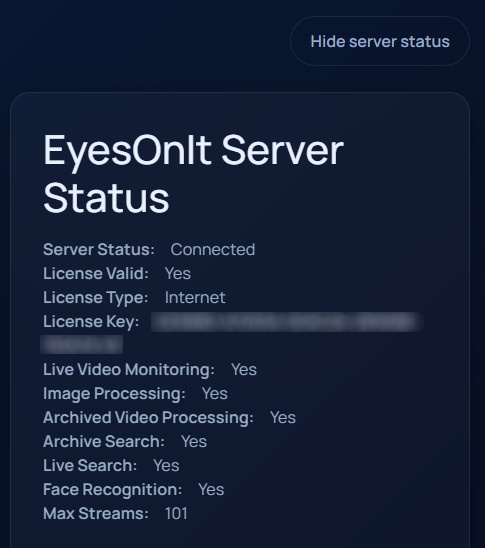
What the panel reports
Server Status: whether the UI is connected to the EyesOnIt server.License Valid: whether the current license is accepted.License Validation: the returned license type or validation message.License Key: the currently installed license key when one is present.
When the license is valid, the panel also shows the enabled permissions reported by the server:
Live Video MonitoringImage ProcessingArchived Video ProcessingArchive SearchLive SearchFace RecognitionMax Streamsfor live video
Updating a license
If the server is reachable but no valid license is loaded, the panel shows License Key and License Token fields plus an Update License button.
Enter the values from your EyesOnIt account and submit them from this panel. The UI then refreshes the reported permissions using the server response.